Alex Voronoi Shatter
Shatter any After Effects layer into Voronoi cells, hexagons, triangles, bricks or stripes — as masks, shape layers or separate layers.
I wrote this for my own work, because breaking a layer into pieces in After Effects usually means either a plugin or an evening of drawing masks by hand. It does one job: takes the layer you selected and cuts it into fragments you can animate.
What it does
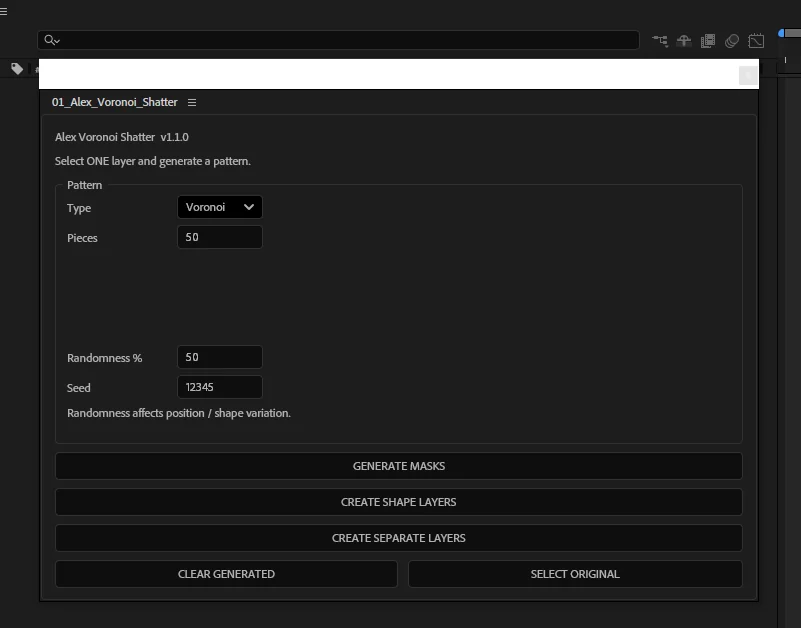
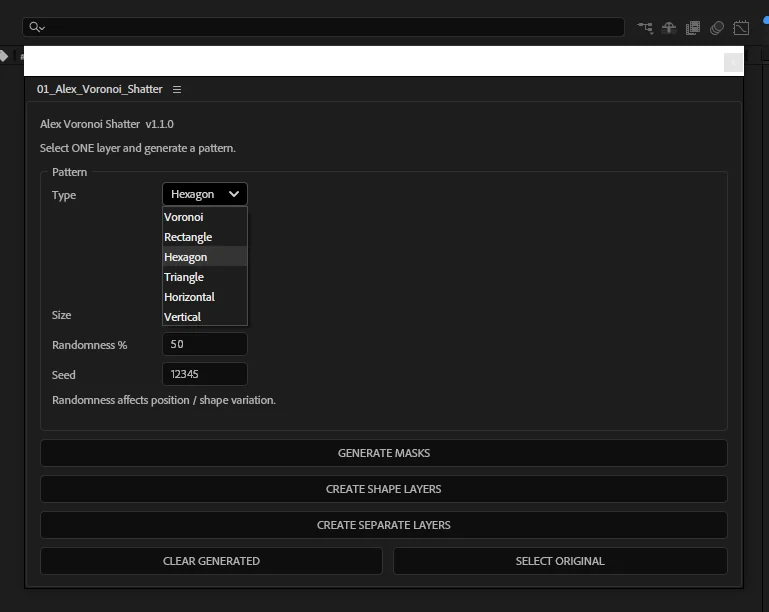
- Six patterns: Voronoi cells, rectangles, hexagons, triangles, horizontal and vertical stripes.
- Three kinds of output: masks on the layer itself, shape layers, or separate layers where every fragment is a copy of your layer with one mask.
- Repeatable results: a seed field, so the same number gives the same pattern every time, and a randomness amount to push the shapes around.
- Fragments land exactly on the original: shape layers copy position, scale, rotation and parent from the source layer.
- One button to undo it all: CLEAR GENERATED removes everything the script made and brings the original layer back.
Install
- Copy `01_Alex_Voronoi_Shatter.jsx` into the After Effects ScriptUI Panels folder. On Windows it sits in `Program Files\Adobe\Adobe After Effects <version>\Support Files\Scripts\ScriptUI Panels`, on macOS in `Applications/Adobe After Effects <version>/Scripts/ScriptUI Panels`.
- Restart After Effects.
- Open it from the Window menu, at the bottom of the list.
If the panel opens but the buttons do nothing, turn on Allow Scripts to Write Files and Access Network in Preferences, Scripting & Expressions.
How to use
- Select exactly one layer in a composition.
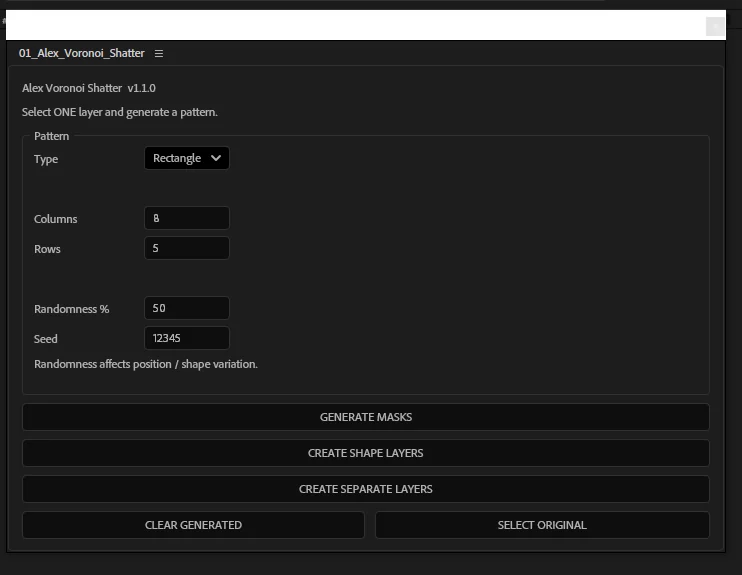
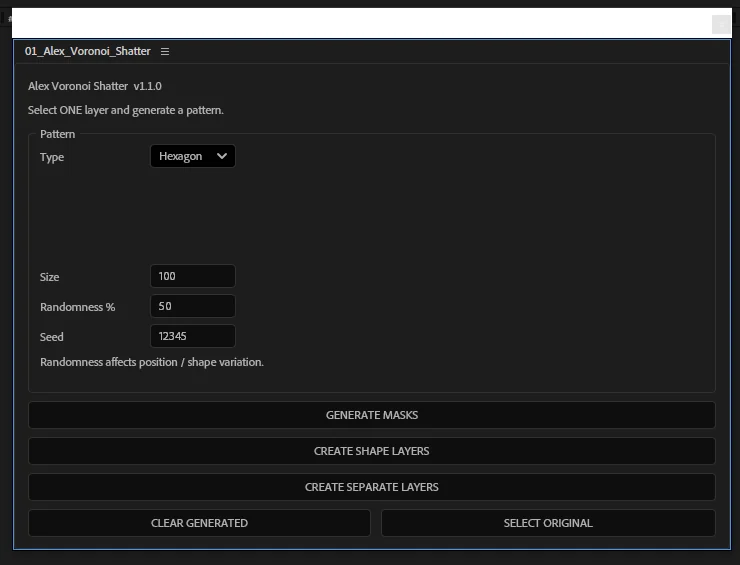
- Pick a pattern and set the number of pieces, or the columns and rows, or the cell size — the fields change with the pattern.
- Press GENERATE MASKS, CREATE SHAPE LAYERS or CREATE SEPARATE LAYERS.
- Animate the fragments. Separate layers are ordinary layers, so anything you would do to a layer works on them.
A warning appears before the script creates a lot of layers. Several hundred fragments will take a while and will make the project heavy, so start with fifty and go up.
Good to know
Fragments are bounded by the source layer's rectangle. Generated masks are named with an `ALEX_VS` prefix, which is how CLEAR GENERATED knows what to remove — so leave that prefix alone if you rename things.
Free to use in personal and commercial work. Please link to this page rather than re-uploading the file, so people always get the current version.
Get the file
Need a shot that isn't here? Write to me.
Get in touch